

Compare
Contracts in Dropbox, statements by hand? Labelmate does them for you.
Dropbox keeps your contracts and reports but does nothing with them: for every statement, you reopen the files and copy the figures. Labelmate takes the same documents where they arrive, in your email, reads their terms and works out your statements.
Today
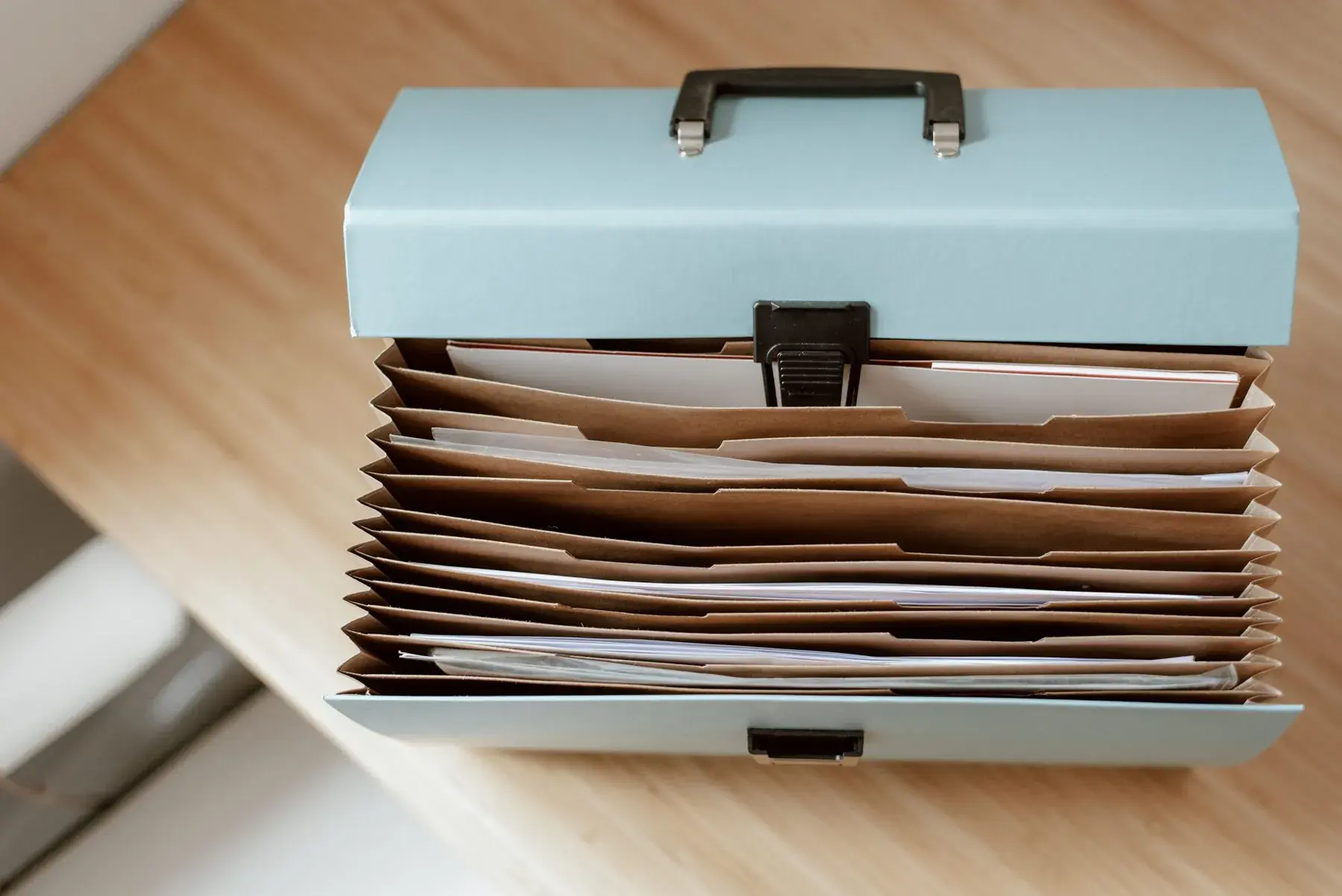
Your documents in Dropbox today
 DropboxContract folders nobody keeps up to date.
- Everyone files things their own way, in their own folders.
- For one rate, you find the contract, then the right page.
- Invoices to recoup have to be found one by one.
Point by point
 With Labelmate
Filing a contract
With DropboxNoBy hand, in the right folder.
 With Labelmate
YesSpotted in your email. You approve where it goes.
What a contract says
With DropboxNoReread at every statement.
With LabelmateYesThe rate and the advance: read by the AI and approved by you, once.
Invoices to recoup
With DropboxNoFound again for every cost.
With LabelmateYesProposed as recoupable costs, with their email.
Working as a team
With DropboxNot statedA shared folder.
With LabelmateYesEvery computer of the label keeps an encrypted, synced copy.
Where a figure comes from
With DropboxNoNo link between the file and the statement.
With LabelmateYesEvery rate quotes the contract, every figure the report row.
What you keep
Labelmate doesn't connect to Dropbox. Keep it for your files: Labelmate works from your email and the reports you import.














Your next statements, without spreadsheets.
Free early access for 10 independent labels.
The names and logos shown belong to their owners. Labelmate is not affiliated with or endorsed by them.
Photo: Anete Lusina on Pexels