

Compare
Contracts and reports arriving in Outlook? Labelmate will soon find them there.
Distributor reports, signed contracts, invoices to recoup: it all arrives by email, then gets lost in the inbox. Labelmate reads the label's mailbox without changing anything in it, spots those documents and, with your approval, uses them to prepare your statements.
Today
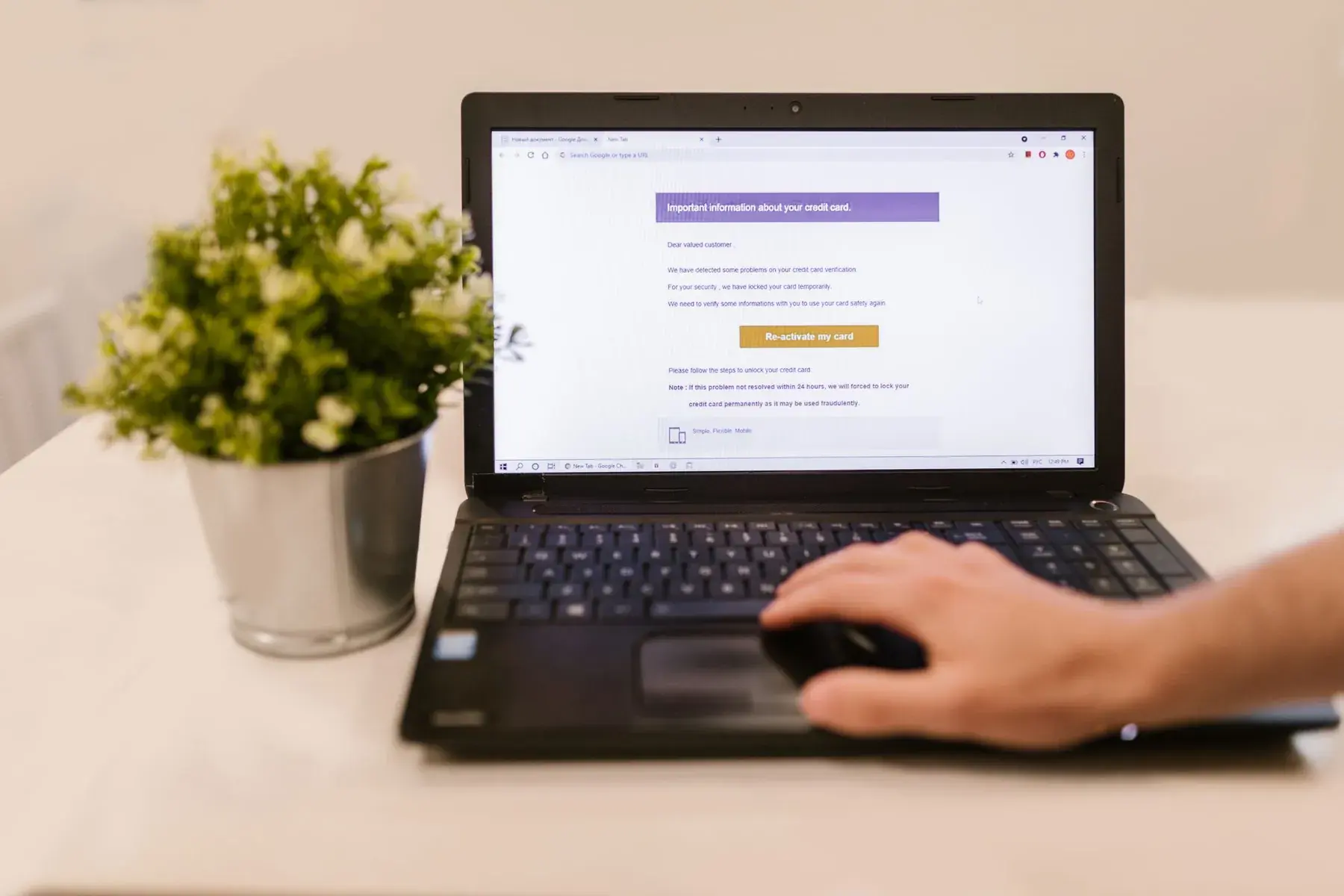
Your statements with Outlook today
 OutlookDistributor reports buried in attachments.
- You search for “contract” or “statement” again and again.
- You download attachments one at a time.
- You copy what each invoice says into your spreadsheet.
Point by point
 With Labelmate
Finding documents
With OutlookNoThrough search, by hand.
 With Labelmate
YesSpotted for you: contracts, reports, invoices.
Attachments
With OutlookNoDownloaded one at a time.
With LabelmateYesOpened in Labelmate, with the email they came in.
What a contract says
With OutlookNoTo reread.
With LabelmateYesRead by the AI, which quotes the passage. You approve.
Invoices
With OutlookNoCopied into a spreadsheet.
With LabelmateYesProposed as recoupable costs.
Your mailbox
With OutlookNot statedYou sort it yourself.
With LabelmateYesNothing is moved or deleted, and no email leaves without you.
What you keep
You keep using Outlook as before: Labelmate only reads.
A direct connection to Outlook and Microsoft 365 is planned. Today, Labelmate reads mailboxes over IMAP, Gmail included.













Your next statements, without spreadsheets.
Free early access for 10 independent labels.
The names and logos shown belong to their owners. Labelmate is not affiliated with or endorsed by them.
Photo: RDNE Stock project on Pexels