
How it works
The AI reads your documents. You decide.
In Labelmate, the AI has one job: to read the contracts and invoices that arrive in the label's mailbox, and propose the values to use, each with the exact passage it comes from. It decides nothing, sends nothing and calculates nothing. Here is what it reads, what is masked first, and where the text goes.
Reading by the AI is optional, and stays off until you turn it on.
The principle
Reading, yes. Calculating, never.
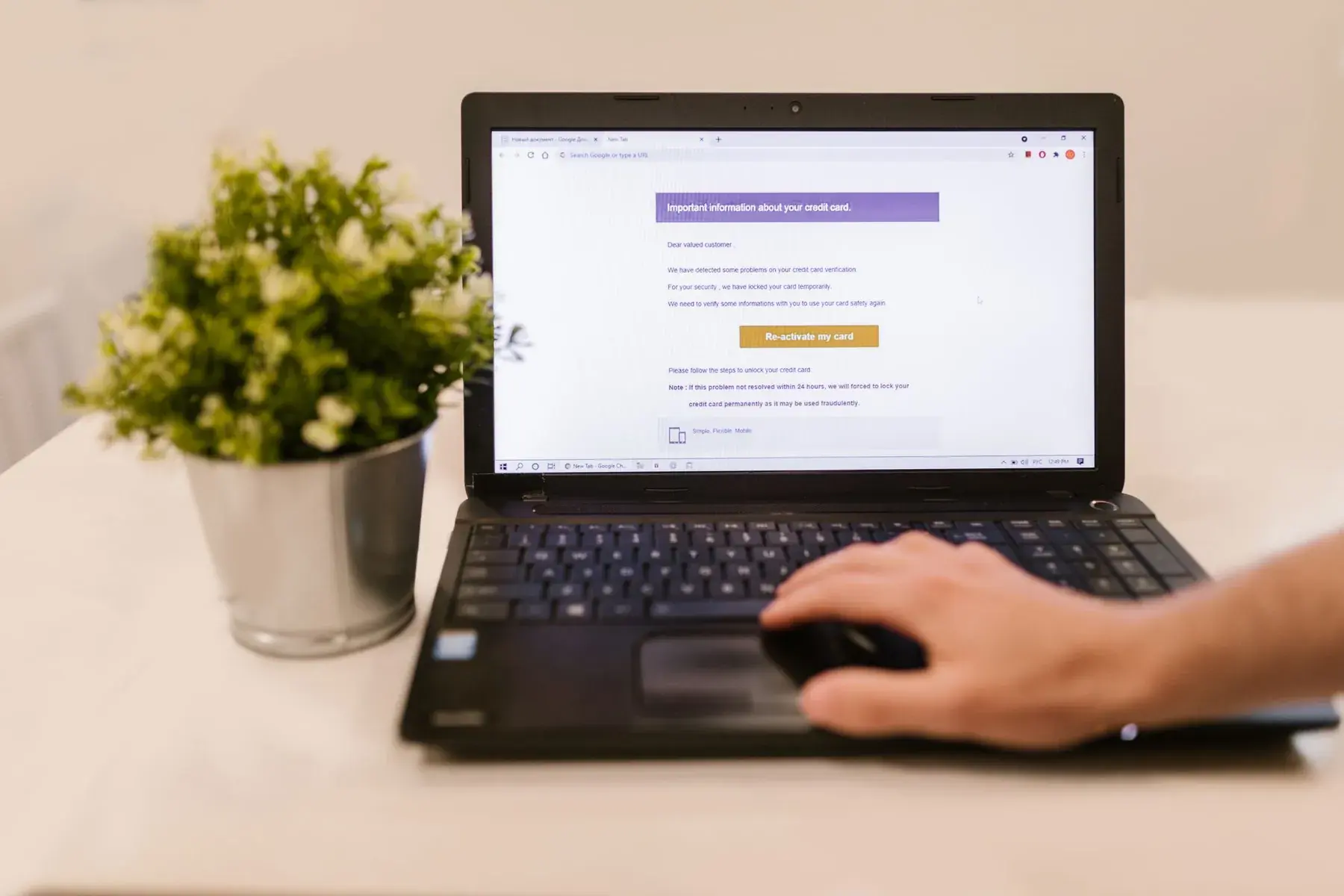
The documents a royalty statement depends on arrive by email: the contract gives the rate and the advance, the invoices give the costs to recoup from the artist's royalties. Today, someone reopens each document, looks for the right clause and copies the figure. That reading is the work the AI takes on.
The calculation, on the other hand, is no job for an AI. A statement must give the same result every time, and every figure must be justifiable. In Labelmate, rates, advances, recoupable costs and carried balances go through a tested calculation engine, never through the AI.
Between the two, there is always a person from the label. The AI proposes a value with the passage that justifies it, and someone at the label checks it, then accepts it or not. Nothing is saved without that approval.
What it reads
Contracts and invoices
When you turn it on, the AI reads the documents Labelmate has spotted in the label's mailbox. It first says what it thinks it is looking at, a contract, an amendment or an invoice, then proposes the values a statement needs.
For a contract, that means the artist, the rate, the advance and the signing date. For an invoice, the supplier, the amount and what it is for, to turn it into a recoupable cost: an expense the contract lets the label take back out of the artist's royalties.
Distributor reports do not need it: Labelmate recognises them from the shape of the file. And a scanned contract is no obstacle, because its text is first recognised on your computer.
- Every value quotes the exact passage of the document
- Every suggestion keeps the email it came from
- The document opens from the suggestion
Example
Values and their passages
On “Exemple Records”, the made-up label in the app's screenshots, here is what the AI proposes for an artist contract and a mastering invoice, with the passage it quotes for each value.
| Proposed value | Passage quoted | Document |
|---|---|---|
| Rate: 16% | “a royalty of sixteen per cent (16%) of net receipts” | Atlas Dorval's contract |
| Advance: €5,000.00 | “an advance of five thousand euros (€5,000), recoupable from royalties” | Atlas Dorval's contract |
| Signed on: 20 January 2026 | “Made in two copies, on 20 January 2026” | Atlas Dorval's contract |
| Amount excluding VAT: €400.00 | “Total excl. VAT: €400.00” | Studio Méridien's invoice |
A made-up example: the label, the artist, the studio, the passages and the amounts are all fictional. Nothing in this table is saved until someone at the label accepts it.
Step by step
From an email to a saved value
Here is what happens when a signed contract arrives in the label's mailbox, once the AI is on.
- 1
The contract arrives
Labelmate reads the label's mailbox read-only: it moves and deletes nothing there. It spots the contract attached to the email and extracts its text on your computer.
- 2
Sensitive numbers are masked
Before anything leaves, IBANs, card numbers and social security numbers are masked. Only the document's text is sent, never the file or the mailbox.
- 3
Claude reads and proposes
Claude, Anthropic's AI model, reads that text and answers in a form set in advance. Every proposed value must quote the exact passage it comes from.
- 4
The suggestion waits for you
It appears in the To review list, where everything Labelmate found waits for your decision, with the email the document came from. You can open the document to reread the clause in context.
- 5
You decide
“Fill in the contract” opens the contract form, already filled in: you check it, correct it if needed, then save. You can also just file the document, or dismiss the suggestion. Until you approve, nothing is saved.
The limits
What the AI never does
The AI proposes. The rest belongs to the calculation engine, or to you.
Decide
No value is saved until someone at the label accepts it. Its proposals can be wrong: that is why each one quotes its passage.
Calculate
Royalties, the recoupment of advances and carried balances are worked out by a tested engine that gives the same result every time. The maths never goes through the AI.
Send
The AI sends no email and answers nobody on your behalf. Nor does it touch your mailbox, which Labelmate reads read-only.
Propose without evidence
Every proposed value must quote the exact passage of the document it comes from, and that document opens from the suggestion. You check against the source.
What leaves
Masked before it leaves
Before every reading, Labelmate masks IBANs, card numbers and social security numbers. The AI does not need them to read a rate or an amount, so it never sees them.
What leaves is the document's text, and only that: not the file, not the mailbox. The text may contain names and amounts, because those are what the AI has to read to propose anything. And while reading by the AI is off, no document is sent to be read.
- IBANs, card and social security numbers masked
- The text only, never the file or the mailbox
- Nothing is sent while the AI is off

Where the text goes
Straight to Anthropic's Claude
The masked text is sent to Claude, Anthropic's AI model. The app calls it directly, with Labelmate's access key: the text does not go through our servers, and you have no account to open with Anthropic.
Anthropic processes this text in the United States, as our sub-processor, to answer us. This transfer outside the European Economic Area relies on a mechanism the GDPR recognises.
Anthropic's commercial terms rule out using this data to train its models. Beyond the time of the reading, what happens to the text is governed by those terms: our privacy policy and our data processing agreement set it out in detail.
Questions
What if the AI gets it wrong?
It can happen, and Labelmate is designed for it. Every value quotes the passage it came from, and nothing is saved until someone at the label accepts it. The maths never goes through the AI.
Does the AI read all my email?
No. It reads the documents Labelmate has spotted in the mailbox, such as the contracts and invoices attached to emails. What it receives is the text of a document, never the mailbox.
Can I use Labelmate without the AI?
Yes, reading by the AI is optional. Without it, Labelmate still reads your mailbox and recognises distributor reports; you enter each contract's terms and your recoupable costs yourself, and the calculation stays exactly the same.
Does Anthropic train its models on my contracts?
No. Anthropic's commercial terms rule out using this data to train its models. And IBANs, card numbers and social security numbers are masked before anything is sent.
In Labelmate
You stay in control
Reading by the AI is turned on in the app's settings, with the “AI reads documents” switch, and turned off the same way, at any time. There is nothing else to set up: the app uses Labelmate's key to call Claude.
Reading is capped each month: past the cap, the AI stops until the next month, and the app shows you what has already been used. During early access, everything is free, reading by the AI included.
Above all, nothing moves without you. Every suggestion waits in the To review list, with the email it came from, until someone at the label accepts it, files it or dismisses it. And your statements are still worked out by a tested engine, to the cent.
- Off until you turn it on
- Can be turned off at any time, in the settings
- A reading cap every month

Read next
All resources Labelmate
Working as a team
Everyone on their own computer, the same label everywhere, and nothing readable on our servers.
Read The law
Royalty statements in the US
What record contracts usually ask, and California's audit law.
Read- The law
Article L. 212-15, explained
What French law asks of labels: account for the calculation every six months, explicitly and transparently, and give the supporting documents to the artist's accountant.
Read
Your next statements, without spreadsheets.
Free early access for 10 independent labels.
Photos RDNE Stock project, Pixabay, Nathan Thomas, Yan Krukau on Pexels.