

Compare
Contracts signed on Youtrust? Labelmate reads their terms for your statements.
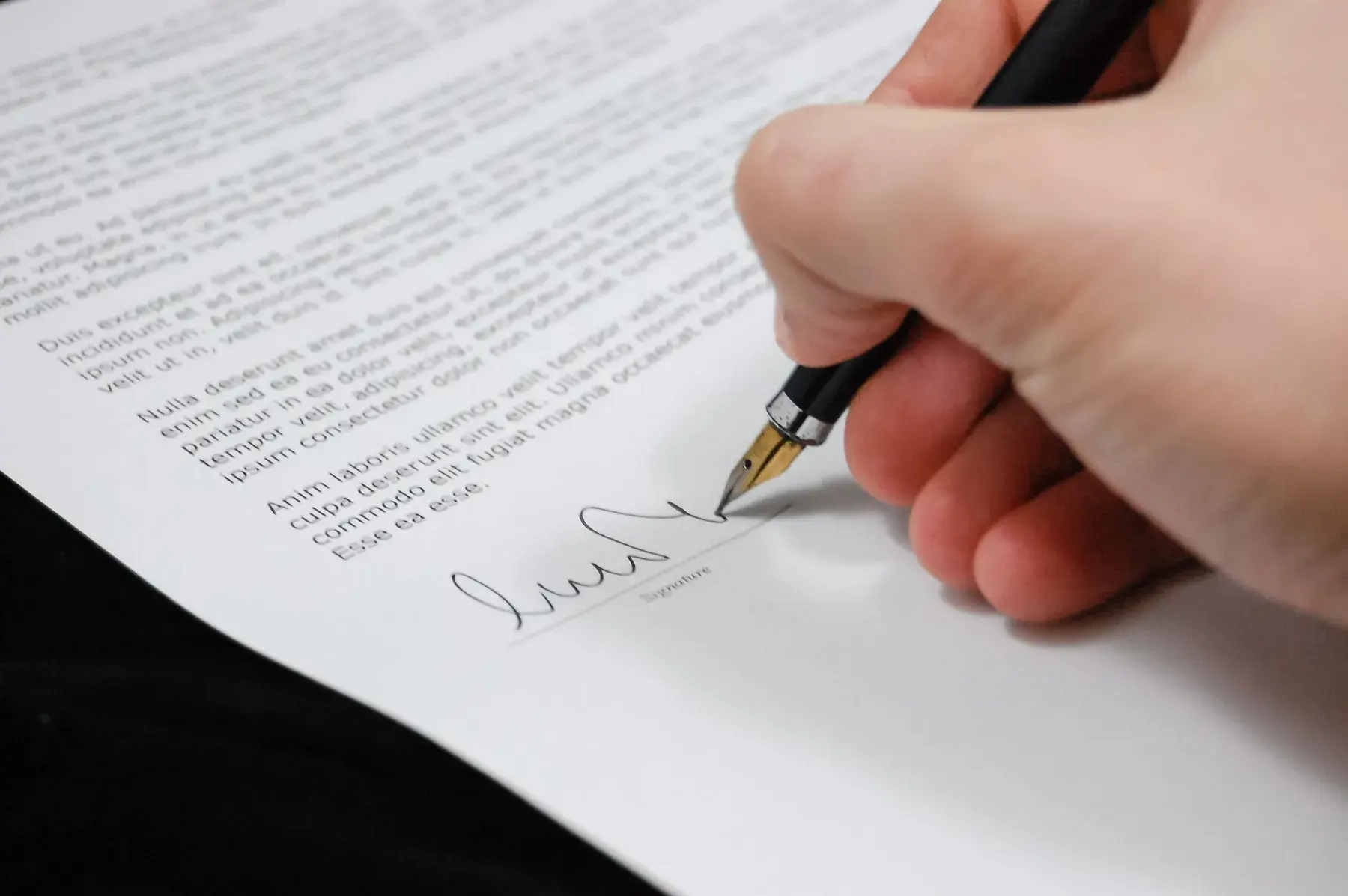
Once signed, a contract is still a PDF: for every statement, you have to find the rate and the advance in it again. When the signed contract reaches your mailbox, Labelmate spots it, the AI reads its terms, and you approve them once and for all.
Today
Your contracts signed with Youtrust today
 YoutrustContracts signed, then lost in the inbox.
- The signed contract is one more PDF, in the inbox or in a folder.
- For every statement, you reopen the PDF to find the rate and the advance.
- You copy those terms into your spreadsheet by hand.
Point by point
 With Labelmate
Getting it signed
With YoutrustYesSending, signing, proof: that's what it does.
 With Labelmate
Not statedLabelmate doesn't collect signatures: it handles what comes after.
Finding the signed contract
With YoutrustNoIn the inbox or in folders.
With LabelmateYesSpotted when it reaches your mailbox.
The contract's terms
With YoutrustNoThey stay in the PDF.
With LabelmateYesThe artist, the rate, the advance, the signing date: read by the AI, which quotes the passage. You approve.
The statements
With YoutrustNoDone somewhere else, in a spreadsheet.
With LabelmateYesCalculated from the approved terms, to the cent.
What you keep
Keep Youtrust to get your contracts signed. Labelmate doesn't connect to it and doesn't collect signatures: it reads contracts once they are signed.
Youtrust was called Yousign until July 2026.














Your next statements, without spreadsheets.
Free early access for 10 independent labels.
The names and logos shown belong to their owners. Labelmate is not affiliated with or endorsed by them.
Photo: Pixabay on Pexels